Start with the people your foundation serves
A visitor should understand your purpose without knowing your internal language. Say who the foundation supports, what it helps people do and where its work takes place. Follow that introduction with a few concrete programmes.
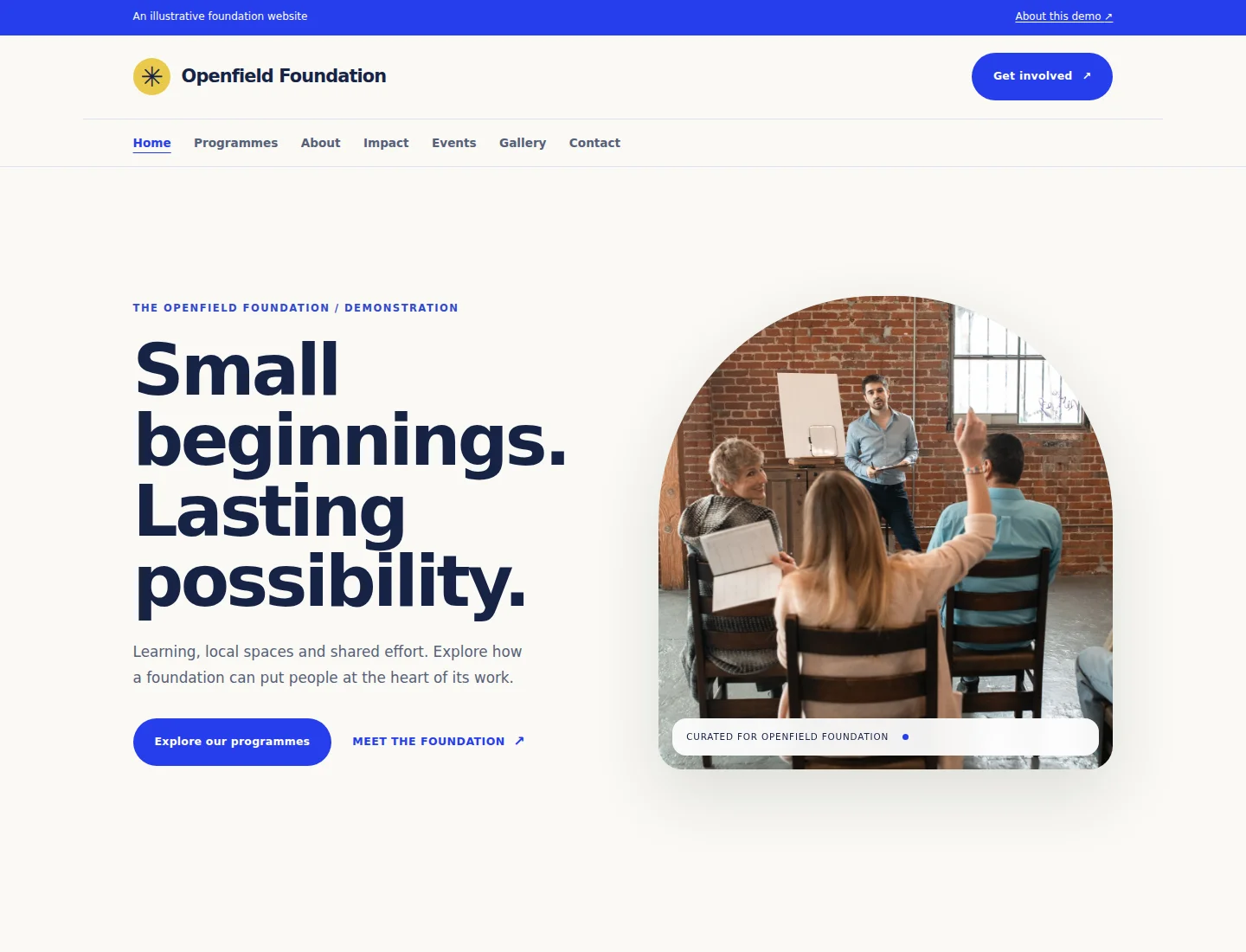
The fictional Openfield example focuses on learning, shared spaces and participation. Each programme has its own page with a clear purpose and an enquiry route. Use this structure for your real work, with details your team has approved. Avoid broad claims that photographs or programme names cannot substantiate.
Give every programme a useful page
Explain the need a programme addresses, whom it is intended for and what participation involves. Include eligibility, accessibility, timing, location and the person or team responsible for enquiries. If arrangements are still being made, state what is unconfirmed and when visitors can expect an update.
A learning programme could describe the subjects covered, the intended age group, the support available and how someone can ask about joining. A community-space programme could explain access arrangements and whom to contact before visiting. Public information is useful even when applications are handled elsewhere; label the next step accurately.
Share events people can act on
Use event cards for introductions, public conversations and volunteer briefings. Give each event a title, a short description, a date or an explicit announcement status, a location and a relevant link. Replace illustrative dates and venues before sharing an invitation.
Keep past and upcoming activities distinguishable. Review time-sensitive information regularly and use your gallery or updates to describe completed work. An event section presents information; it does not automatically provide registration, ticketing, attendance records or payments.
Explain how the foundation is run
Introduce the responsibilities of your governing body, programme team and relevant advisers. Make it clear who handles public questions and how important information is reviewed. Publish real names and biographies only with the appropriate permission.
Provide current public reports or policies where they are available. Give documents a descriptive title and publication date so visitors know what they are opening. Replace obsolete files and check links after an update. Never use sample partner names, registration details or endorsements as if they describe your organization.
Report impact with evidence and context
Choose measures that relate to your purpose. Explain the period covered, how a number was collected and any limitations. A count of activities is useful context, but it does not by itself establish a lasting outcome.
Pair verified figures with a short account of what you learned and what will change next. Publish participant stories and identifiable photographs only when you have permission. The Openfield demonstration uses illustrative stock images and describes its example programmes without inventing beneficiary totals, financial results or testimonials.
Prepare your content before editing
Gather your approved name and logo, purpose statement, programme descriptions, governance information and organizational contact details. Select photographs you may publish and give each an accurate description. Prepare a short gallery with context, rather than uploading images without explaining what they show.
Check the public contact form and the team receiving enquiries. Explain its purpose so visitors do not mistake a general message for an application or a donation. Your privacy and cookie information must describe your actual website and practices; the demo’s explanatory pages are not a substitute for your own policies.
Keep specialist workflows explicit
A foundation may need donations, grant applications, volunteer onboarding or restricted access to documents. Define those requirements separately from the website design. Payment processing, document retention, review stages and access permissions each need a verified implementation.
You can use a clearly labelled link to an approved external service or develop a suitable integration. Do not suggest that submitting an ordinary contact message completes one of those processes. The Foundation Impact demo deliberately offers public information and general enquiries.
Review the website before sharing it
Read the pages on desktop and mobile. Check navigation, programme links, images, event details and contact instructions. Remove unused examples and make sure the public text reflects the work your foundation actually does.
Start with the Eyivo preview while preparing the site. Review the current pricing page for a custom-domain package when you are ready. Keep one person responsible for reviewing public information regularly, so the website remains useful after launch.